Filie for Windows.
Send files, photos, and videos between your PC and every other device you own — iPhone, Android, iPad, Mac, and Linux. End-to-end encrypted, no account required.
 Download from Microsoft Store

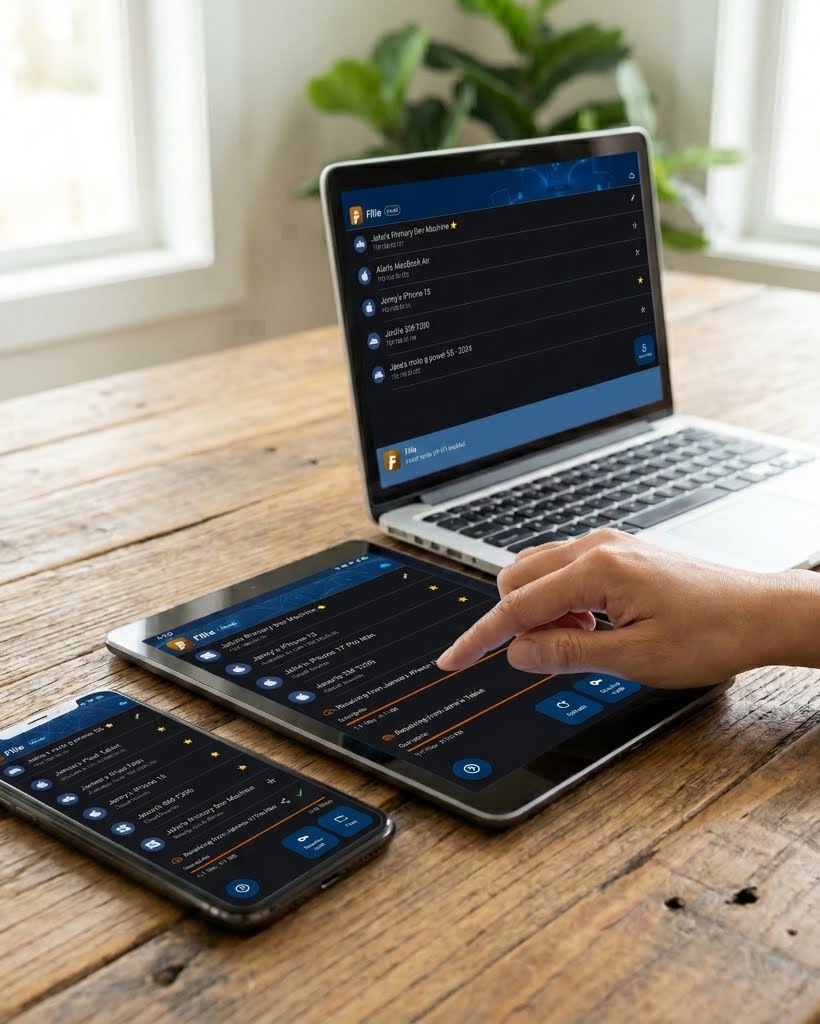
Feels like part of Windows.
Drop files straight onto a device or group, or right-click any file in File Explorer and use Send with → Filie.
Filie sits in the system tray and brings the app to the foreground if it is already running. If it isn't, it pops a Windows notification the moment one is received.
Files are encrypted before they leave your PC. Only the destination device holds the key — the key is derived on both ends and never transmitted.
Devices on the same network find each other automatically, and local transfers are always free and unlimited — including to phones and Macs.
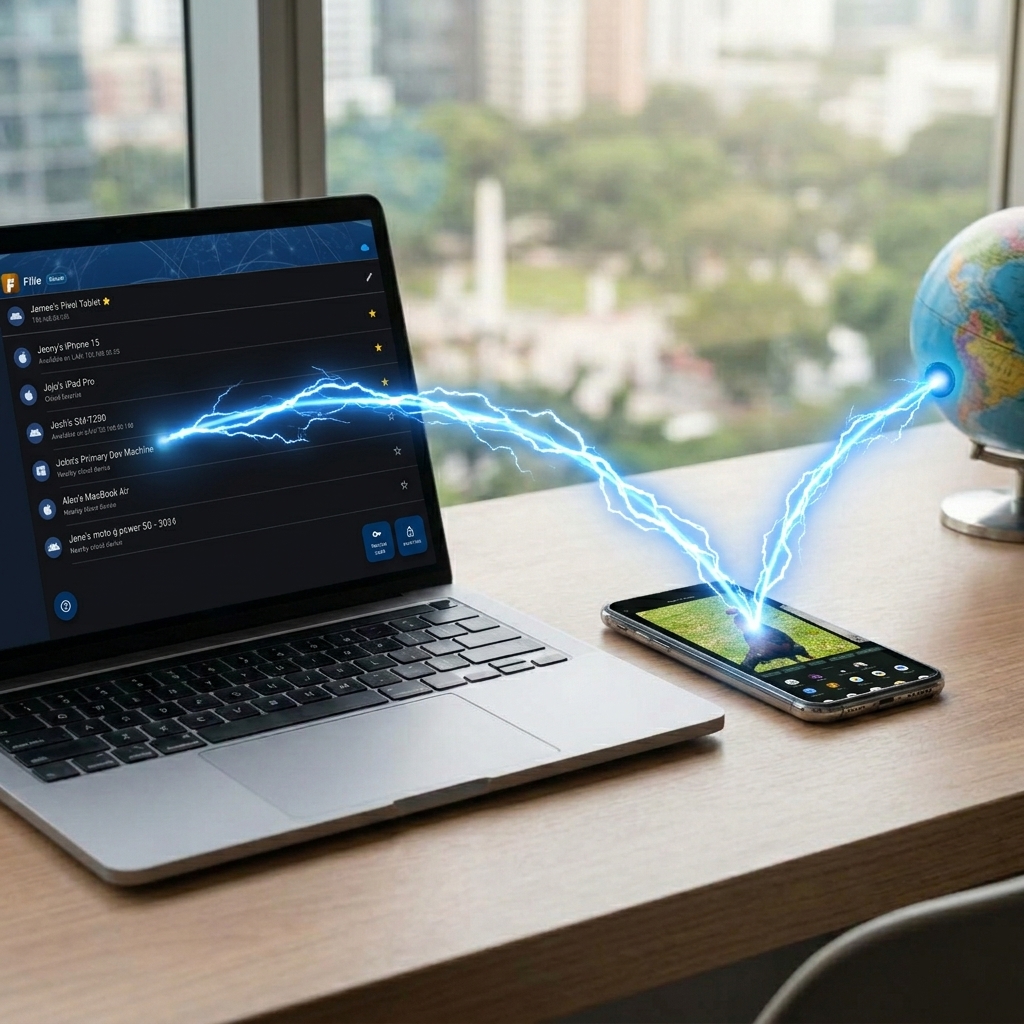
Not on the same network? Cloud transfers reach your devices anywhere, with the same encryption. A subscription removes the limit on cloud transfers, as well as the limit on the number of files in a transfer.
Incoming files land in your Downloads folder at full resolution — no compression, no size limits, nothing to unpack.
At your desk, or across the world.
Up and running in three steps.
-
1
Download and install
Run the installer and launch Filie. There's no account to create and nothing bundled with it — Filie never changes your DNS, browser, or other defaults.
-
2
Install it on your other devices
Grab Filie for iOS and macOS, Android, or Linux. Devices on the same Wi-Fi discover each other automatically.
-
3
Send something
Drag files onto the window, or use Send With → Filie in File Explorer, then pick a device. Mark the ones you use often as favorites and transfers arrive automatically.
Ready to transfer?
Free to download, and free forever on your own network.